01 / Workouts
Build the programme with the detail clients need
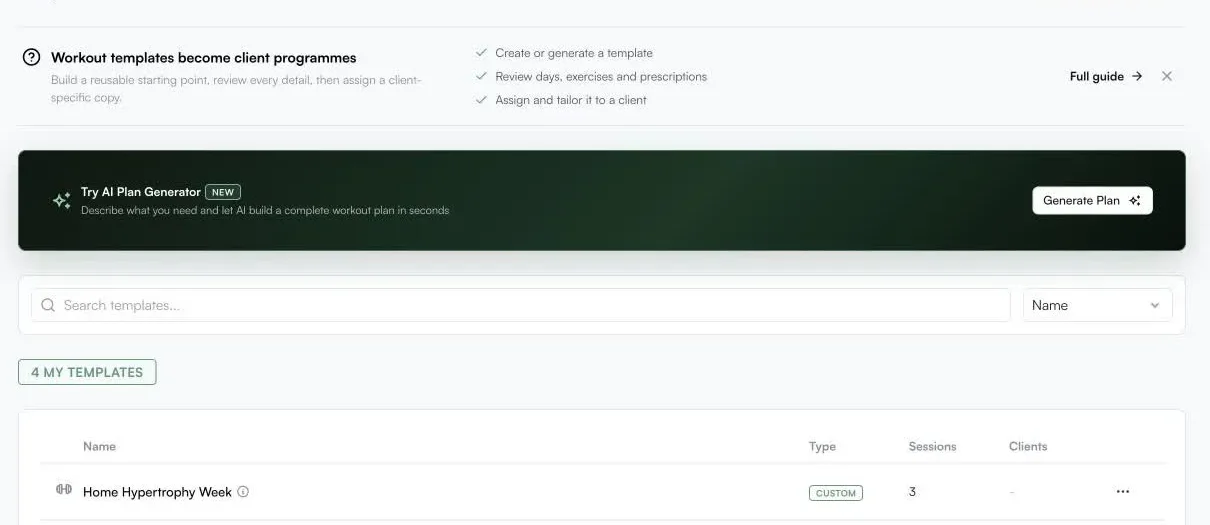
Create reusable training structures, organise sessions and exercises, then deliver set, rep and rest guidance in the client app.

Coaching workspace
Programme training, choose the right nutrition approach, review progress and communicate with clients from one desktop workspace. Everything the client logs comes back into the same coaching context.
Built for the work
A training decision makes more sense when the coach can also see the nutrition, check-in, message history and recovery context behind it.
Create reusable training structures, organise sessions and exercises, then deliver set, rep and rest guidance in the client app.
Use a prescribed plan when exact meals matter, or flexible tracking when the client needs more freedom with useful coach visibility.

Use CoachOS AI to generate and refine drafts around client context. The coach reviews the work and stays responsible for the final decision.
Nutrition without confusion
Choose the level of structure that fits the client. You can be precise without forcing every person into the same way of eating.
Build the meal structure, recipes and prescribed items. Clients can open the day and see what to complete.
Let clients log what they eat while the coach keeps useful nutrition context and can guide the next adjustment.
Messaging and team communication
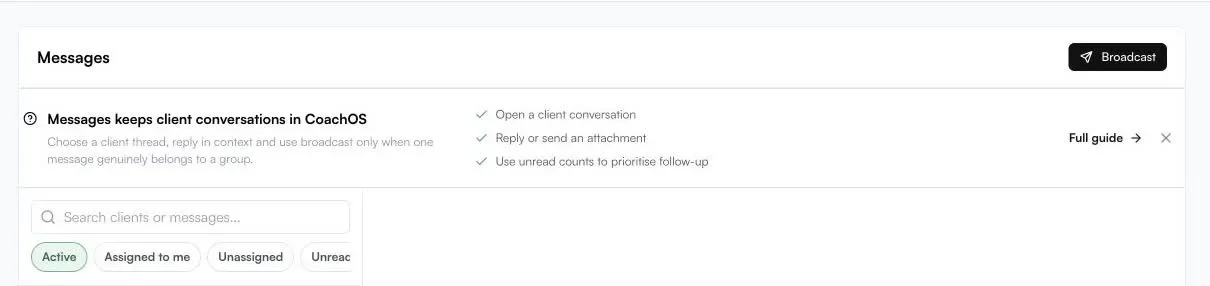
Keep the conversation beside the programme and progress it relates to. Send messages, voice notes, images and files in the same app your client already uses to train.
One client record
Training is one part of the picture. CoachOS keeps progress, check-ins, goals, messages and supported health context close enough to inform the next coaching action.
Review change over time, not only what happened in the most recent session.
Use regular check-ins to understand adherence, experience and what needs attention.
Review shared Apple Health and Health Connect data, plus WHOOP for approved test members, without treating a metric as the whole answer.
Smart Rest Days preserve the session sequence when a client misses a workout.
See how Smart Rest Days works →AI that assists the coach
Generate and refine programme or nutrition ideas, then review them against the client context you already hold in CoachOS. AI speeds up preparation. It does not own the relationship.
Questions, answered
Yes. Coaches can create workout templates, organise sessions and exercises, then assign and adapt programming for individual clients.
CoachOS supports exact prescribed plans and flexible food tracking. The public experience presents these as two clear approaches so coaches can match the level of structure to the client.
Yes. CoachOS messaging supports voice notes, images and files alongside normal messages. Team sender names and ownership help keep communication clear when more than one coach is involved.
No. CoachOS AI is positioned as a reviewable assistant for drafting and analysis. The coach remains in control of what is assigned or communicated.
Yes. Client records bring together programming, nutrition, goals, check-ins, progress and supported health context so the coach can review the person rather than a single data point.
Coach from one workspace
Plan the work, see what the client did and keep the conversation close to the result.