Homepage · Coaching application
Personal trainer website builder
Build a coaching website that connects to the next step.
Create and publish a responsive personal trainer website, focused funnel or Link in Bio, then carry each supported application and its source context into the CoachOS lead workflow.

BuildWebsite, VSL funnel or Link in Bio
PublishCoachOS address or verified custom domain
ConnectApplication, source context and lead record
The actual handoff
Edit. Publish. Capture the application. Review the lead.
The public page is only useful when the next step survives. This walkthrough follows one privacy-safe example from a checked revision to a lead record with its form and available source context attached.
Northstar Coaching
Strength and sustainable performance
Train with a plan built around real life.
Personal coaching, clear weekly structure and progress you can understand. Apply for coaching → Publish readiness
Everything required for this revision is ready.
CoachOS checks the configured page, application, booking path, SEO essentials and visitor preview before the publish action.
- ✓Homepage contentRequired copy and CTA complete
- ✓Application pathPublished form connected
- ✓Search basicsTitle and description present
- ✓Visitor previewDesktop and mobile reviewed
Revision 12Active
CoachOS addressnorthstar.demo.coachos.io Published
Custom domainnorthstar.exampleWaiting for DNS verification
PreviewView live site ↗
Synthetic addresses shown. A real custom domain activates only after required checks pass.
NNorthstar Coaching
Coaching application
Tell us where you want to go next.
Your answers help make the first conversation useful.
Submit application
✓Application receivedSource and answers retained
CoachOS OverviewLeadsClientsProgrammesMessages Maya Patel · Coach
AM
New leadAlex Morgan
alex.morgan@example.com
Submitted 19 July 2026
UTM and landing context available
No automatic outreach implied
Website application received
NowFull submitted answers remain linked to this lead.
Synthetic, privacy-safe walkthrough based on current CoachOS UI and contracts Editing the public page
Responsive output
Review the site your visitor will use.
The example is rendered from the same kind of section and theme inputs used by the current CoachOS public-site renderer. It is synthetic, interactive and intentionally not presented as a customer result.
- Coaching-specific hero, offer and proof sections
- Calls to action that can route into supported forms or pages
- Desktop and mobile review before the revision is published
Strength that works in real life.

Strength that works in real life.
Personal coaching built around your goals, your schedule and the person you want to become.
Apply for coachingResults
Real progress deserves to be seen.
-
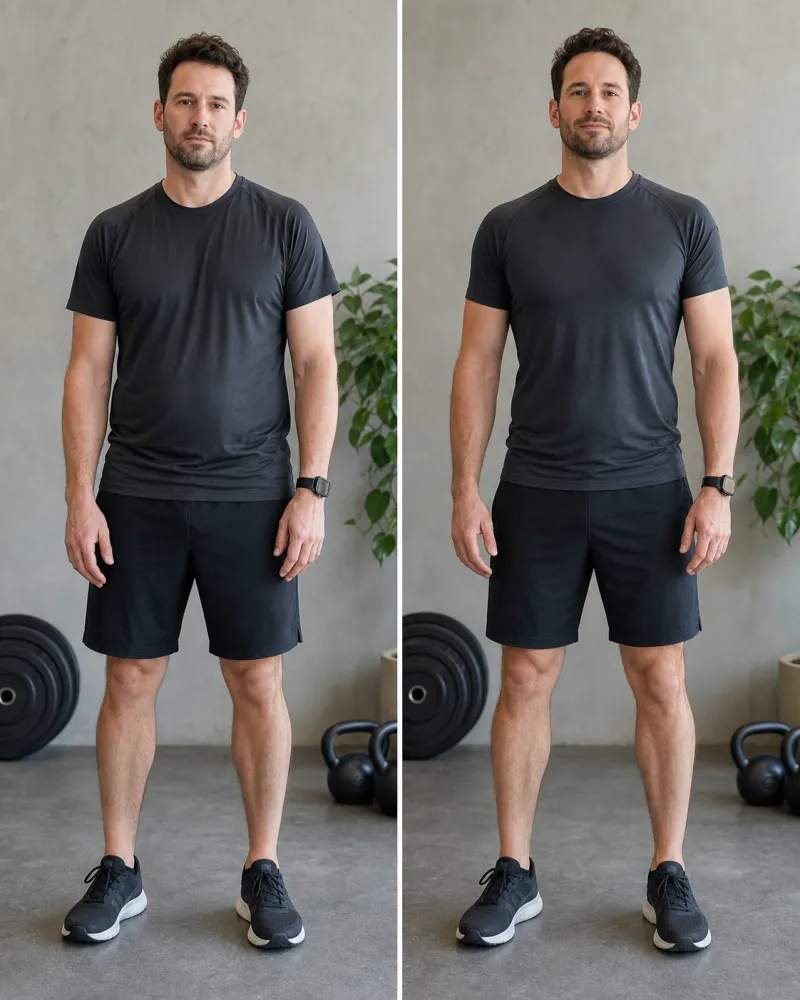
Before & after layout
Illustrative demo
-
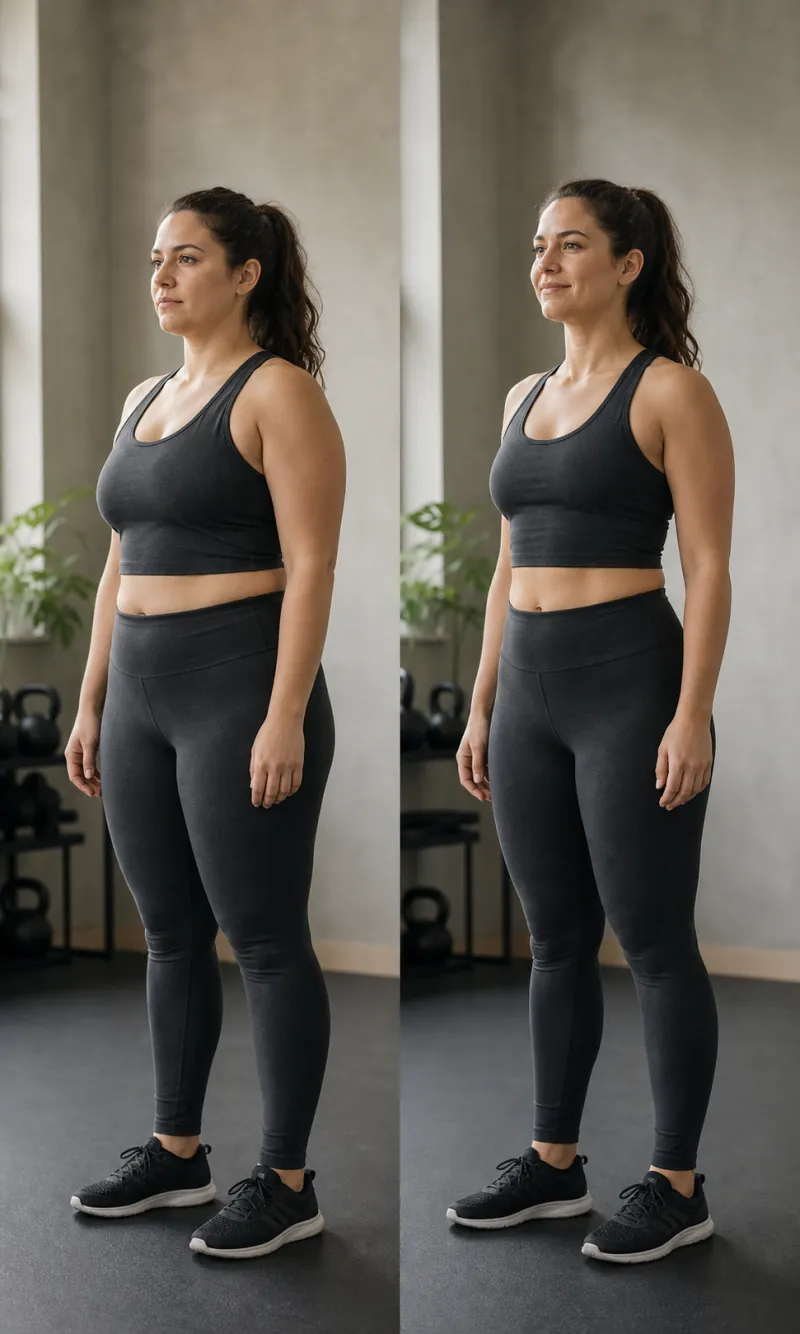
Client progress layout
Illustrative demo
-
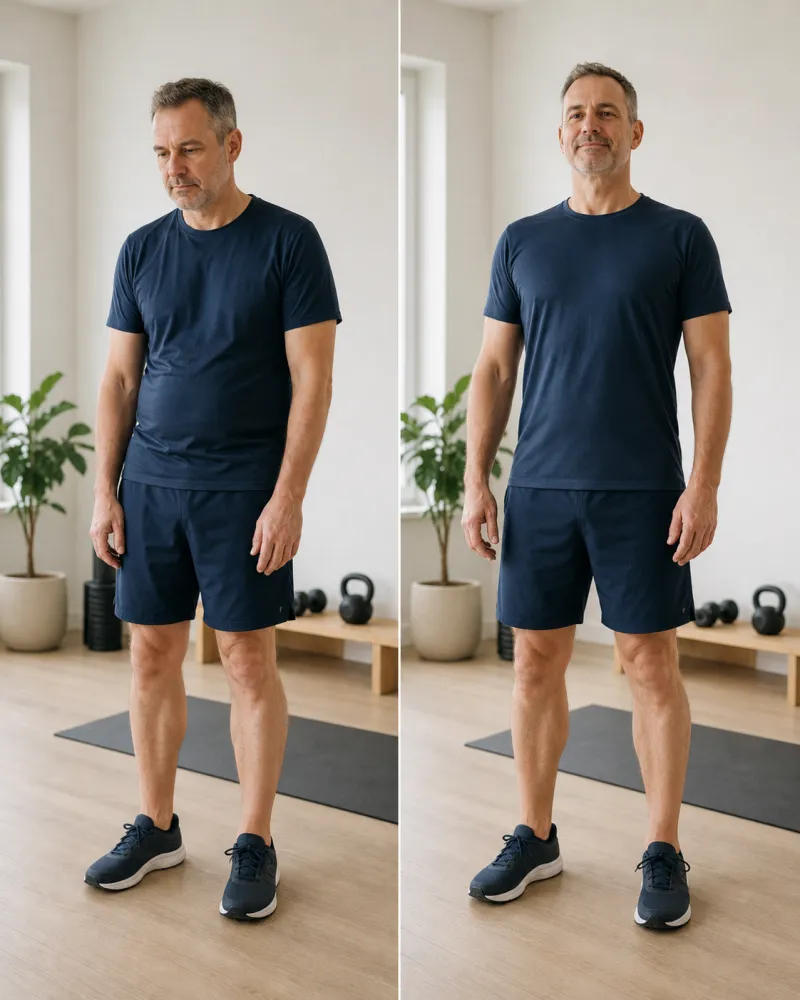
Transformation layout
Illustrative demo
Included
Everything you need to move forward.
-
Personalised programming
Training built around real life.
-
Flexible nutrition
Targets or prescribed meals.
-
Weekly progress reviews
Clear feedback and next actions.
-
Direct coach support
One place for every conversation.
-
Progress photos
See the work adding up over time.
-
Simple scheduling
Know what is coming next.
Questions
Know what coaching looks like.
Is this built around my schedule?
Yes. Your plan is shaped around your goals, experience, equipment and the time you can realistically commit.
Do I get nutrition support too?
Yes. Coaching can include flexible calorie and macro targets or a more structured prescribed meal plan.
How do check-ins work?
Your training, nutrition, progress and messages stay together so each review starts with the full picture.
Limited spots
Apply for 1:1 Coaching
Tell us where you are now and where you want to get to.
What you can control
The essentials for a coaching website, without hiding the operational details.
CoachOS gives the coach a guided starting point and page-level controls. You still review the message, media, visitor journey, domain and search settings before launch.
Begin with a coaching journey, not a blank canvas
Choose a standard coaching website, video-first website or website plus VSL funnel. CoachOS creates the initial page, application and legal structure for you to review.
Edit the message, media, sections and theme
Update headlines, supporting copy, calls to action, images or supported video, proof, service sections, colours and typography from the builder.
Preview the visitor journey before publishing
Review the public website, application, booking, confirmation and mobile presentation before recording the visitor test and going live.
Control the essentials page by page
Set an SEO title, description, canonical path, indexation choice and social-sharing title, description and image with visible previews.
Use a CoachOS address or verify a custom domain
Publish to the provided CoachOS address, then connect a supported custom domain through ownership, DNS and certificate checks. Activation timing is not guaranteed.
See which public paths create useful next steps
Review visits, form starts, applications, booking clicks, link clicks, source context and the lead handoff without copying data into a separate report.
One public journey
Use the surface that fits the visitor’s job.
A main website, VSL, Link in Bio, form and booking page are related entry points, not disconnected microsites that leave the coach reconstructing the enquiry later.
Website
Tell the full coaching story
A responsive public home for the approach, offer, proof and next action.
See the current product detail → VSL funnelFocus one visitor on one offer
Lead with supported video and guide the right prospect into an application.
See the current product detail → Link in BioGive social visitors a useful route
Link to the application, booking, website and supported external destinations under the coaching brand.
See the current product detail → Forms and bookingConnect intent to the lead record
Collect configured answers, preserve source context and offer an available call without creating a second lead system.
See the current product detail →Domains and publishing
Publish first. Connect the branded domain when it is verified.
A provided CoachOS address gives the supported public site somewhere to run. A custom domain has a separate ownership, DNS and certificate workflow and may show pending, verifying, active, failed or disabled status.
Ownership details supplied DNS records checked Certificate and activation checked
No fixed activation time or uninterrupted third-party DNS service is promised. Search, sharing and attribution
Control the inputs. Keep the claims realistic.
Set the page title, description, canonical path, indexation choice and social-sharing preview. Supported first-party events can retain landing, form and available campaign context through the lead handoff.
These controls do not guarantee indexing, rankings, traffic or cross-device attribution.A fair platform boundary
Choose around the job, not an inflated feature count.
CoachOS is strongest when the public coaching journey and the lead workflow should stay together. General-purpose platforms remain a better fit for many broad publishing, commerce and extensibility jobs.
CoachOS
CoachOS product detailWhat it is strong at
A focused coaching website, VSL, Link in Bio, applications, booking placement and lead handoff inside the same coaching operating system.
Choose it when
The website-to-lead-to-client handoff matters more than a general-purpose plugin or commerce ecosystem.
What it is strong at
A broad fitness website builder with drag-and-drop design plus scheduling, payments, marketing and wider business tools.
Choose it when
You need broad layout freedom, classes, memberships, commerce or marketing functions beyond the focused CoachOS website journey.
Squarespace
Official Squarespace fitness templatesWhat it is strong at
Responsive fitness templates with brand, content, scheduling, membership, payment and commerce options.
Choose it when
The main job is a general brand, editorial or commerce website and you are comfortable connecting coaching delivery separately.
WordPress
Official WordPress featuresWhat it is strong at
An open-source publishing platform with themes, plugins, custom content types and deep developer extensibility.
Choose it when
You need an extensible CMS or plugin ecosystem and are prepared to select hosting, plugins and the operational systems around it.
Competitor summaries are based on the linked official product pages reviewed on 19 July 2026. Plans and capabilities can change; check the provider before choosing.
Questions, answered
Personal trainer website-builder questions
What can I build with the CoachOS personal trainer website builder?
You can start with a standard coaching website, a video-first website or a website plus focused VSL funnel. CoachOS also includes a Link in Bio, application forms and public booking placement for the supported coaching journey.
Can I use my own domain?
Yes. You can publish first on a provided CoachOS address, then connect a supported custom domain. The domain must pass ownership, DNS and certificate checks; activation is not instant or guaranteed to complete within a fixed time.
Does CoachOS create a mobile-friendly website?
Yes. CoachOS publishes responsive output and lets you preview the public website, application and booking journey on mobile before launch. You remain responsible for reviewing your content and media at the sizes your visitors use.
Which website SEO controls are included?
Pages support an SEO title, meta description, canonical path, indexation choice and social-sharing title, description and image. Those controls provide the technical inputs; they do not guarantee indexing, traffic or rankings.
What happens when somebody submits an application?
A supported public form submission stores the configured answers and creates or updates a linked CoachOS lead with website, page, form and available source context. Spam controls and deduplication reduce risk but do not promise zero spam or duplicates.
Does the website booking page take payment?
No. The current public booking page schedules a supported call and can collect configured intake answers. Coaching offers and supported Stripe payments are handled later in the CoachOS lead and client journey.
Is CoachOS a replacement for Wix, Squarespace or WordPress?
It can replace the focused public website, funnel, Link in Bio, application and booking handoff for a coaching business. It is not a drag-anything builder, open plugin ecosystem, broad ecommerce catalogue or full editorial CMS, so a general-purpose platform may still fit those jobs better.
Can you automatically migrate my current website?
Migration is assessed case by case. CoachOS can help map supported content, media, domain and visitor journeys, but it does not promise a one-click or pixel-identical import from every website platform.
Can I see whether the website is generating leads?
CoachOS records supported first-party site activity such as views, form starts, applications, booking clicks and link clicks, then connects available source context to the lead workflow. Analytics are directional and do not create cross-device identity certainty.
Build the connected front door
Publish the website, and keep the next step attached.
Start a CoachOS trial to build the supported public journey, or book a walkthrough to map an existing site, domain and enquiry flow before moving anything.